
 Discovery · Resources · Tools · Culture
Practical tools.
Veteran support first.
A Wandering Mind builds and organizes practical resources for decisions that are easier when the information is clear. This hub brings together veteran support, VA benefit guides, education resources, financial calculators, and learning tools from the broader Kestrel network.
Veteran resources remain the first priority here. Start with the Veteran Resources Portal for benefits, health care, transition guidance, education, disability support, and links to official services. When you need a narrower answer, move directly into the VA disability calculator, VSO guidance, or education-benefits material.
The Resources hub also connects to independent tools for everyday planning and learning. That includes the Car Affordability Calculator, the free A Wandering Mind Python course with 18 interlinked lessons and a self-grading knowledge check, and the Kestrel Exams Java Study App for learners building their programming skills.
A clearer route through earned benefits
Start broad, then move into the guide that matches the question you are trying to answer.
Veteran Resources Portal
Open the centralized gateway for VA services, health resources, transition guidance, education benefits, disability support, and links to official programs. The portal is designed to reduce the amount of searching required before you can take the next useful step.
Explore the complete portalVA Disability Calculator
Estimate how multiple disability percentages combine under VA math and use the result as a planning aid before checking current official VA rating and compensation information.
Calculate a combined ratingFind a VA-Accredited VSO
Learn why VA accreditation matters, what a Veterans Service Organization representative can help with, and how to choose free accredited assistance for a benefits claim.
Get VSO guidanceWhat to Say to a VSO
Prepare a clearer first conversation about conditions, service events, current symptoms, supporting records, and the questions you want answered during the meeting.
Prepare the conversationDocuments for a VSO Meeting
Build a useful appointment packet, understand the types of records that may matter, and arrive with information organized around the claim or benefit question you need to discuss.
Organize the recordsVeteran Education Benefits
Compare the Post-9/11 GI Bill, VR&E, apprenticeships, certifications, and other training routes before choosing a school or committing benefits to a program.
Compare education optionsMake the next decision with more context
Focused calculators are meant to clarify the trade-offs behind a decision, not replace professional financial advice.
Learn Python with A Wandering Mind
Start with the full 18-lesson course or jump directly into the topic you need: strings, lists, files, exceptions, dictionaries, and the course knowledge check.
A complete Python learning path you can enter anywhere
The A Wandering Mind Python Guide is an interlinked programming course built around executable examples, real output, common errors, short exercises, and supporting CPSC 1301K lectures. Follow the lessons in order or use the individual course modules as focused refreshers.
The current course covers strings, lists, file handling, exception handling, and dictionaries. A 30-question Test Your Knowledge assessment gives you an attempted score, a full-course score, missed-concept explanations, and links back to the lessons that need review.
All 18 lessons in sequence, from strings through dictionaries.
View course overview → 01 2 lessons Python StringsFormatting, f-strings, splitting, joining, and working with text.
Study strings → 02 8 lessons Python ListsCreate, index, modify, combine, slice, copy, loop through, and organize lists.
Study lists → 03 4 lessons Python FilesOpen, read, write, append, close, and safely manage files.
Study files → 04 1 lesson Python ExceptionsHandle errors with try, except, else, and finally.
Study exceptions → 05 3 lessons Python DictionariesWork with keys, values, methods, copying, and data-structure choices.
Study dictionaries → ✓ 30 questions Test Your KnowledgeCheck all five modules, review missed concepts, and return directly to weak areas.
Start assessment →Kestrel Exams Java Study App
The Kestrel Exams Java Study App is built for people who want to learn Java, not only for people trying to pass a test. It is a focused study companion for learners who are building familiarity with Java programming and want a dedicated place to review concepts, check their understanding, and keep practicing.
If you are searching for a Java study app, a Java practice tool, or a structured way to support your effort to learn Java programming, this resource is intended to sit alongside your course, textbook, tutorials, or self-study plan. The goal is reinforcement: spend time with a concept, test what you understand, identify what still feels uncertain, and return to the material with a clearer idea of what to study next.
The app is especially relevant to beginners, college students taking an introductory Java course, self-taught programmers, learners returning to coding after time away, and anyone who wants extra Java practice outside a traditional classroom. It can also serve as a bridge between reading about programming and becoming more comfortable recognizing Java syntax, program structure, programming logic, and object-oriented ideas.
Study
Use the app as part of a repeatable Java study routine instead of relying only on passive reading or watching tutorials.
Practice
Check what you understand and expose gaps that are easy to miss when a concept only feels familiar.
Revisit
Return to difficult Java concepts as your coursework and programming experience become more advanced.
Learning, coursework, and exam preparation with Kestrel Exams
A Wandering Mind and Kestrel Exams approach learning from complementary directions. The free A Wandering Mind Python course provides structured written lessons, runnable examples, and a knowledge check, while Kestrel Exams offers focused study and practice tools such as the Java Study App and additional exam-preparation resources.
Useful options from our affiliate partners
These links may generate compensation for A Wandering Mind at no extra cost to you. Commercial relationships do not determine our editorial conclusions.

Mint Mobile
A lower-cost wireless option for staying connected while working, studying, traveling, and managing projects on the go.
Check Mint plans →
Amazon Gear
Everyday electronics, study accessories, photography gear, travel supplies, and other useful equipment.
Browse Amazon →
Incogni
A privacy service that helps automate removal requests to covered data brokers and people-search services.
Explore Incogni →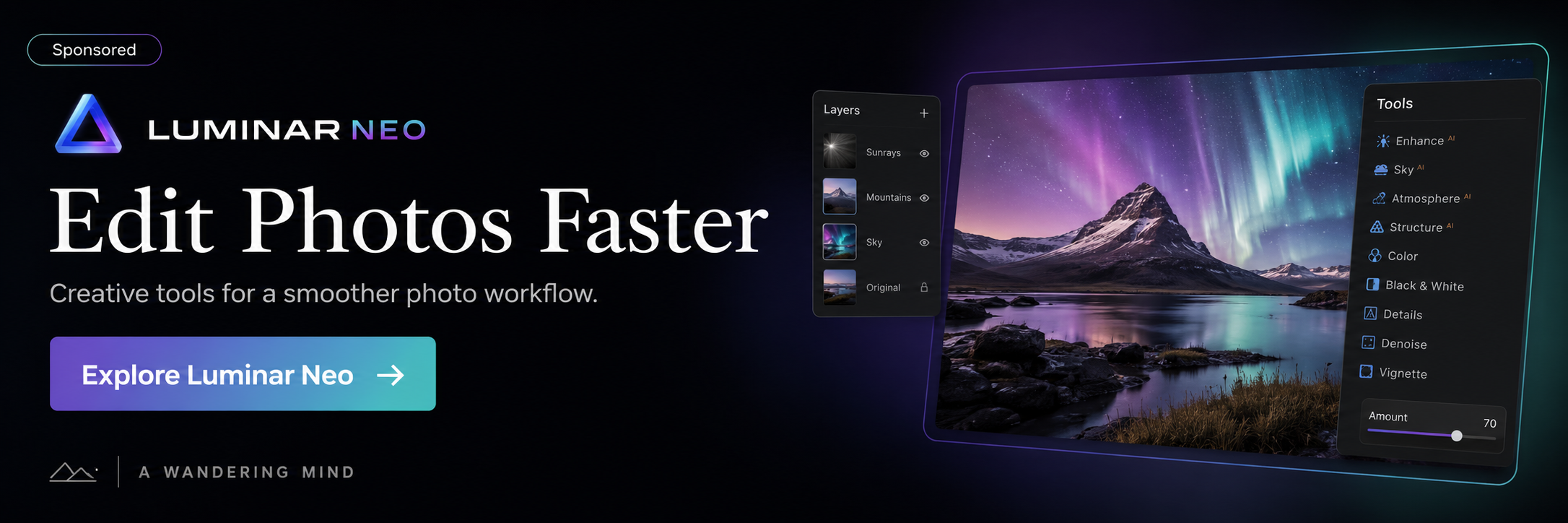
Luminar Neo
Photo-editing software for photographers who want a flexible workflow for developing and refining images.
Explore Luminar Neo →
Shutterstock Contributor
Explore Shutterstock's contributor marketplace if you create original photography, illustration, or video for licensing.
Explore contributing →
Shutterstock Creative Library
Browse licensable photography, video, music, illustrations, and other creative assets for personal or commercial projects.
Browse Shutterstock →Affiliate disclosure: Some links in this section are affiliate or referral links. A Wandering Mind may receive compensation if you use them, at no extra cost to you. As an Amazon Associate I earn from qualifying purchases.
Editorial note: A Wandering Mind provides educational information and independent tools. It is not an official Department of Veterans Affairs publication, and calculator results are estimates. Confirm current benefit rules with the Department of Veterans Affairs or a currently VA-accredited representative. Learning resources are educational aids and are most useful when combined with active practice and primary course materials.